
Many real estate agents are still writing listing emails, social posts, and newsletters the hard way. If that sounds like you, there’s good news. You can now build your own AI assistant that handles this work in your exact voice.
According to Morgan Stanley Research, AI can automate up to 37% of real estate tasks, unlocking more than $34 billion in operating efficiencies. That includes marketing, admin work, and much of the day-to-day busywork that slows agents down.
If you’re a solo agent or run a small team, the smartest way to take advantage of this shift is by building your own AI marketing assistant using ChatGPT.
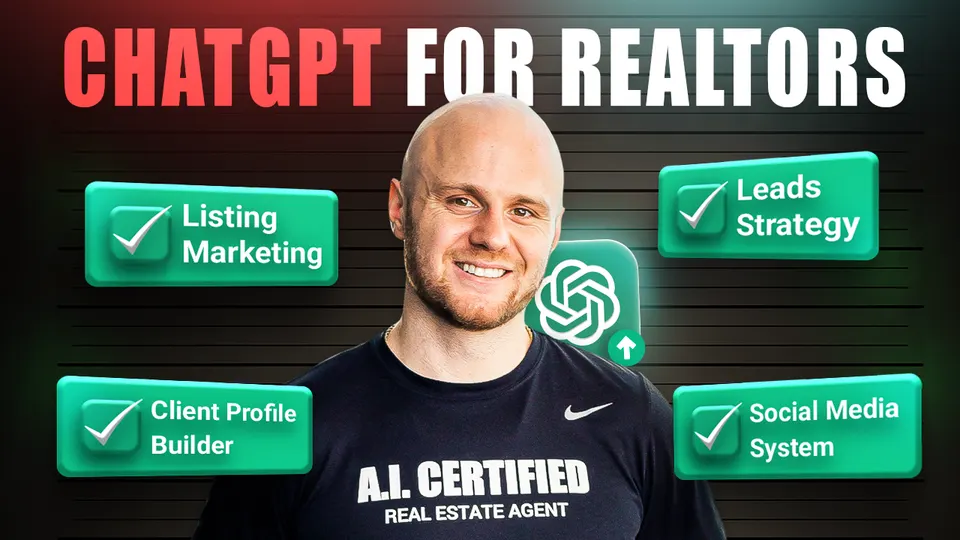
In this Halo Live Webinar, Nick Krem, CEO of the Krem Institute of Artificial Intelligence, will walk you through exactly how to create an AI assistant that writes like you, thinks like you, and helps you grow your real estate business faster and more efficiently.
A custom GPT, is a personalized version of ChatGPT trained to think and write like you. It learns your voice, understands your audience, and aligns with your marketing goals.
Think of it as a digital employee. It never sleeps, never forgets your brand tone, and always follows your process.
Once built, your custom GPT can:
And the best part? You only have to build it once.
To begin, go to chat.openai.com.
Important: Skip the “Create” tab. We recommend going straight to “Configure” to avoid issues with hallucination or errors.
The Configure tab gives you full control. This is where you’ll set up your assistant’s personality and capabilities.
Here’s what to do:
Once you’re here, you’re not just building a bot, you’re hiring a new team member.
This is where your marketing GPT becomes you. The more real examples you feed it, the smarter it becomes. We call this your “Knowledge Base” and you’ll use it in every assistant you build.
Upload documents like:
Just drop each file into the “Knowledge” section. This is the raw material the assistant will use to sound exactly like you.
-w960.webp)
Here's a simple format that works every time:
Act as a billion-dollar marketing assistant for a real estate agent.
My goal is to create listing promotions (emails and posts) that match my voice, save me time, and stay fair housing compliant.
You can find the full example format here:
You can also include specific rules like:
Being specific helps your GPT stay consistent and sharp. As Nick puts it:
“Simplicity scales. Complexity does not.”
Here’s where many agents go wrong. They try to build a GPT that does everything. But as Nick warns:
“Don’t create work you’re not already doing. Use AI to get time back in the areas that already drain you.”
Pick a simple workflow like this:
This keeps things focused. Your GPT isn’t guessing, it’s following a proven system.
You can also follow Nick’s Marketing GPT Presentation for a visual walkthrough.
Once you’ve uploaded your files and set the instructions, it’s time to test.
You’ll see a “preview” window on the right-hand side of the builder. Use that to run your first test prompt.
Try something like:
“Help me write marketing content for my new listing targeting luxury buyers.”
Your assistant will respond by asking for:
Once you provide that info, it will generate the content based on your uploads and rules.
If it gets something wrong, revise your instructions or uploads. If it’s spot on, great! You now have a personal marketing machine ready to go.
One of the best parts? You can share your custom GPT with others.
Here are your options:
This is perfect for teams. Everyone on your staff can now generate on-brand content without bothering you for examples every time.
When built right, your custom GPT becomes part of your daily workflow. It doesn’t replace your voice, it amplifies it. You’ll write faster, post more consistently, and have more time to focus on what actually grows your business.
Remember, this isn’t about becoming a tech expert. It’s about building systems that save you time and create momentum.
As Nick often says:
“AI doesn’t make an average person great. But it makes the best version of you unstoppable.”
AI can do much more than just write content. It can think ahead, predict client behavior, and give you tools to work smarter, not harder.
Here’s how it helps:
Morgan Stanley’s analysis of 162 REIT and CRE firms showed that AI could unlock $34 billion in efficiency gains by 2030. These gains will come from automating tasks in sales, admin, client management, and more. So If you’re not using AI in your daily workflow yet, you’re leaving money and time on the table.
Every Tuesday at 12 PM ET, Nick Krem, CEO and co-founder of the Krem Institute of Artificial Intelligence hosts a free Halo Live webinar where he shows you how agents are really using AI in their day-to-day work.
He walks through the tools on screen. Explains what to use and what to ignore. And shows how to save time without sounding automated or fake.
No tech talk, just a clear look at what’s useful and how to apply it.
👉 Join the Free Halo Live Webinar
Q: What is a real estate marketing GPT and how does it work?
A: It’s a customized version of ChatGPT that’s trained on your content like emails, bios, listings so it can write exactly like you. Once built, it acts like a digital assistant that creates on-brand posts, emails, and more.
Q: Can a real estate agent with no tech background build a custom GPT?
A: Yes. If you can upload a file and follow prompts, you can build one. Nick Krem designed the process to be simple, even for agents who aren’t tech-savvy. No coding or advanced setup required.
Q: What kind of files should I upload to train my Custom GPT?
A: Upload your agent bio, past emails, social posts, listing descriptions, and brand voice notes. These help your custom GPT learn how you write and who you serve.
Q: How can I use my marketing GPT for new listings?
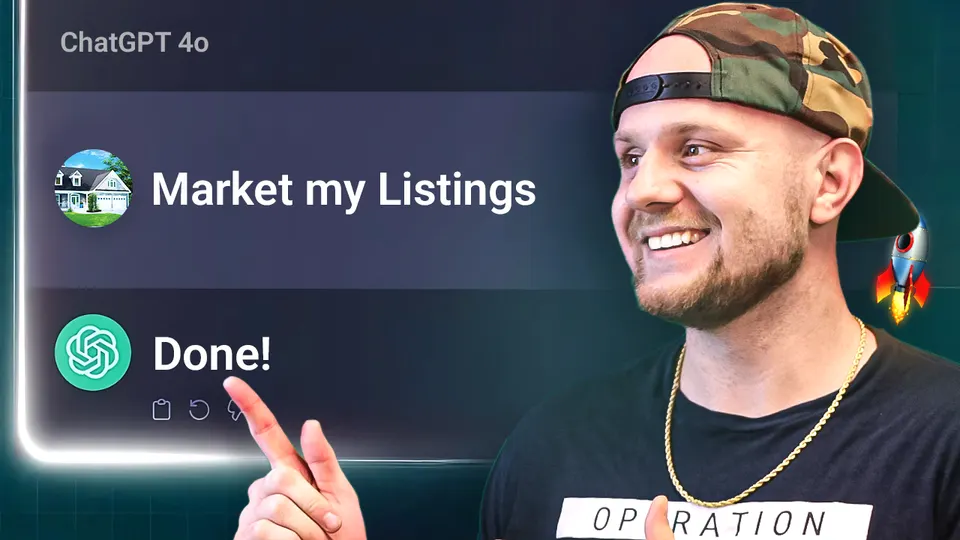
A: Paste in your listing details and tell the GPT what to create. It will write ready-to-use content (posts, emails, etc.) in your voice based on your uploaded examples and rules.
Q: Can I share my GPT with my assistant or team?
A: Yes. You can send them a private link. They’ll be able to create content in your voice, which keeps everything consistent and saves you time.
-w960.webp)







-w960.webp)