All accessFreeHalo Live with Nick Krem: Get Found by AI SearchLive on
00Days00Hrs00Min00SecClaim your free passGet free pass
11/7/2025
A.I. Training

How To Create A Real Estate Listing Video Using AI (Step-By-Step Tutorial)

‍

How to Make AI-Powered Real Estate Listing Videos That Stand Out (6 Simple Steps)

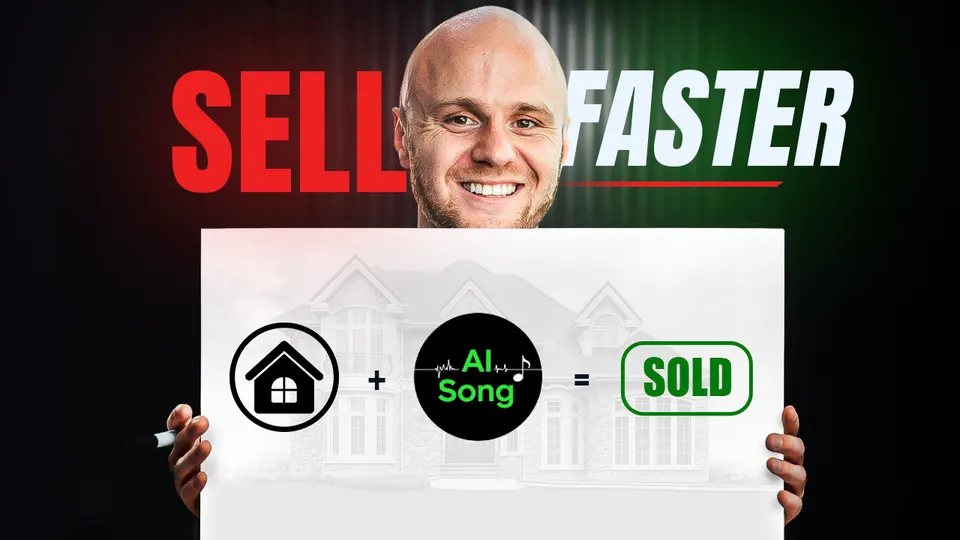
Quick answer: To make an AI listing video, put 7–8 of the listing’s best photos in order in Canva, have ChatGPT write a song about the home for its most likely buyer, turn the lyrics into an original track with Suno AI, then line the photos up with the lyrics in CapCut and export it for YouTube (16:9) or Instagram and TikTok (9:16). Even beginners can do it in under an hour, and because the song is original, YouTube and Instagram won’t flag it for copyright.

More than 90% of home buyers search for homes online, and 85% of buyers say it’s the photos that influence which homes they choose to view.

That means your listing content especially your visuals needs to grab attention right away.

But here’s the problem: most real estate listing videos are just plain boring.

They show the same slow pan shots, the same background music, and the same robotic voiceovers. That’s why engagement stays flat.

But what if your next listing video didn’t just show the home… what if it sang about it?

In this Halo Live Webinar, Nick Krem shared a step-by-step method that helps real estate agents turn ordinary property listings into unforgettable AI-powered music videos. Using tools like ChatGPT, Suno AI, Canva, and CapCut, you can create scroll-stopping content that buyers remember and sellers brag about.

And the best part? You don’t need to be tech-savvy. You just need to follow this simple process.

Let’s break it down.

‍

What Do You Need to Make an AI Listing Video?
ToolIts job in the video
CanvaPuts 7–8 property photos in order as slides
ChatGPTWrites the lyrics from the listing details, for the most likely buyer, plus a spoken outro with your name
Suno AITurns the lyrics into an original song, about 2 minutes, vocals included
CapCutLines the photos up with the lyrics, adds text, transitions and your contact details, and exports

Suno AI’s free version works for most agents (Pro, $10/month, adds the newest models), and CapCut Pro is only needed for the background remover.

‍

Step 1: Create a Property Collage with Canva

Before diving into the music and video creation, start by building a simple visual storyboard using Canva.

  • Gather 7–8 high-quality photos of the property (download at full resolution if pulling from Zillow).
  • Use this Canva collage template to organize the images into the order you want them to appear.
  • Save the completed image slides for use in the video editor.

This collage serves as your foundation for what the viewer will see while the music plays.

‍

Step 2: Write Lyrics and Music Prompts in ChatGPT

Next, open up ChatGPT and enter this custom prompt to generate lyrics that reflect the property’s highlights.

Prompt Essentials:

  • Property details (paste from MLS or Zillow)
  • Genre and mood based on your buyer persona
  • Tone (storytelling, romantic, upbeat, etc.)
  • A spoken outro with your name and contact details

💡 Use ChatGPT to help identify the top three most likely buyer profiles, then choose a genre and tone that resonates with them.

ChatGPT will generate:

  • Full song lyrics with verses and chorus
  • A spoken call-to-action slide for the end

Music is widely used to motivate human behaviors and to influence mindset. So when your lyrics emotionally connect with the target buyer, it makes your listing unforgettable.

‍

Gain an Undeniable Advantage Over Traditional Real Estate Agents
A.I. for Real Estate Agents, weekly live A.I. workshop, admit 1

‍

Step 3: Generate Custom Music with Suno AI

Now take your ChatGPT lyrics into Suno AI to create an original song.

  • Choose your vocal type (male, female, or duet)
  • Set your music length (~2 minutes recommended)
  • Pick a genre and mood that fits your audience

Suno AI will turn your lyrics into a professionally produced track, vocals included. The Pro version ($10/month) provides access to the newest models, but the free version works well for most agents.

Download your preferred version and save the audio.

‍

Step 4: Edit the Listing Video in CapCut

Now it’s time to bring everything together in CapCut.

  1. Create a new project.
  2. Import the property images you saved from Canva.
  3. Upload your Suno AI song.
  4. Drag each image onto the timeline and align it with the corresponding lyrics.

💡 Tip: Use CapCut’s timeline zoom slider to fine-tune the timing and match image transitions with specific lines in the song.

‍

Step 5: Add Text, Transitions, and Contact Info

To polish your video:

  • Add transitions between slides for smoother flow
  • Use text overlays to display the address, listing status, or highlights
  • Add your headshot and contact info at the end using CapCut’s text and image tools
  • Use the background remover (Pro version) for clean overlays

Want to emphasize a feature mentioned in the lyrics? Add stickers or arrows to highlight it directly.

‍

Step 6: Export and Share Your Final Video

Once it all looks good:

  • Export the video in the correct ratio (16:9 for YouTube, 9:16 for Instagram or TikTok)
  • Watch it from start to finish to ensure everything aligns

You now have a fully produced, AI-powered listing video complete with music, lyrics, visuals, and branding.

‍

Tips From the Video
  • Get sharp photos. If you use Zillow photos, open each one full size before saving it; a right-click on the small preview saves a low-resolution copy.
  • Ask for about 2 minutes. One minute was too short to sing about 7–8 slides; around 2 minutes worked (the demo song runs 1:54).
  • Paste the listing link. ChatGPT can read the details from the listing’s link, then you upload the numbered photos so the lyrics follow the slides.
  • Pick the music for the buyer, not for you. Use ChatGPT’s top three likely buyer profiles to choose the genre, mood and tone. The demo used jazz, story-focused, sung as a duet: “Welcome to Vista Hill, where elegance meets serenity.”
  • In Suno, put the genre and vocals in the Style box. It makes several versions in about a minute. Pro (about $10/month) uses the newest model; the free version uses older ones.
  • In CapCut, let each photo end where its lines end. Use the timeline slider to zoom in, Animation (In, Out or Combo) for transitions, and text templates for “Coming soon” and the address.
  • Finish with you. On the last slide, the song turns into a spoken call to action. Add your photo (background removal is a CapCut Pro feature), your name and phone number.

‍

⚠️ Avoiding Copyright Issues with AI Music

A major benefit of using AI-generated music is avoiding copyright problems. Even if you purchase royalty-free music from other sites, platforms like YouTube and Instagram may still flag it; YouTube can send copyright infringement warnings that make you change the video. With Suno AI, the track is 100% original and yours to use.

👉 Want to learn how to become the go-to agent recommended by ChatGPT? Read this blog to rank #1 in AI search.

‍

Why Do AI Listing Music Videos Work?

This method works because:

  • It breaks the scroll: Custom music catches attention on social media.
  • It connects emotionally: Lyrics + visuals = stronger buyer connection.
  • It saves time: One video replaces multiple pieces of content.
  • It differentiates your brand: As we often say, "If you're not different, you're the same — and the same doesn't sell."

In marketing, money moves toward difference. When your videos look and sound completely unlike every other agent’s, you instantly stand out and that’s how you get remembered, recommended, and referred.

‍

Want movement from a single photo instead of a slideshow, like a night-time or flyover shot? See Turn Real Estate Photos Into Cinematic Videos Using AI for Free. To share the finished video on every platform automatically, see The Best Social Media Automation Tool for Realtors in 2026.

‍

✅ Ready To See These Tools In Action?

Join our Free Halo Live Webinar every Tuesday at 12 PM ET, hosted by Nick Krem, CEO and Co-Founder of the Krem Institute of Artificial Intelligence.

Nick will pull back the curtain on the exact AI tools and strategies top real estate agents are using right now to:

  • Which AI tools top agents are using right now
  • How to create listing content, videos, and marketing assets in minutes
  • Simple AI workflows and prompts you can plug into your real estate business

You will see real workflows, real prompts, and real examples you can plug into your business the same day.

👉 Join the Free Halo Live Webinar

‍

FAQs
Can AI make a real estate listing video for free?

Mostly, yes. ChatGPT has a free plan for the lyrics, Suno AI's free version works for most listing videos (Pro, about $10/month, adds the newest model), and you only need CapCut Pro to remove the background from your photo. Because the song is original, it won't be flagged for copyright. For motion from a single photo instead, see Turn Real Estate Photos Into Cinematic Videos Using AI for Free; Halo can also turn a Zillow link into a property site and listing video (How to Make Listing Graphics With AI).

What is the best AI tool to make real estate listing videos?

For realtors, a combination of ChatGPT (for lyrics), Suno AI (for music), and CapCut (for editing) works best to create high-quality listing videos.

Can I use AI to make real estate videos without copyright issues?

Yes! Using Suno AI to generate original music avoids copyright flags on platforms like YouTube or Instagram.

How long should an AI listing video be?

We recommend around 2 minutes for optimal pacing and viewer retention. It allows enough time to show all property features while syncing to music.

Do I need video editing experience to do this?

Not at all. With our step-by-step method, even beginner agents can create polished videos using AI tools in under an hour.

How can I create AI real estate listing videos using AI?

Use ChatGPT to write lyrics from your property descriptions, Suno AI to create original music, Canva for your property images, and CapCut to edit everything together into a professional video.

Is Suno AI free to use?

Yes, Suno AI offers a free version that works great for most real estate listing videos. The Pro plan gives you access to higher-quality versions and more song options.

Why should real estate agents use AI for listing videos?

AI saves time, reduces costs, and helps you create personalized listing content that gets attention from buyers and sellers.

‍

Krem Institute of AI featured in Forbes, Yahoo Finance and Google News

Never Miss a Story

Add times.krem.ai as a Preferred Source on Google to see more of our content in AI Mode and AI Overviews.

★ Add to Preferred Sources
Halo: Agentic AI for real estate agents
How to Get Leads Through ChatGPT and Google AI Overview - Free Training for Real Estate Agents

Related Posts

Set Up an AI Agent for Your Real Estate Business (Step-by-Step Tutorial)
Learn how to set up AI agents for real estate using Huzi AI. Discover how AI tools boost marketing, automate workflows, and grow leads with Krem Institute of Artificial Intelligence.
Make Your Real Estate Listings Stand Out Using A.I.
Boost your real estate listings with AI tools and video marketing. Use Suno AI, Canva, and CapCut to create music-driven content that attracts more buyers.
How to Create a Hyperrealistic AI Avatar for Real Estate Videos Using HeyGen
Learn how real estate agents can use HeyGen to create realistic AI avatars and automate video content creation. Join our free Halo Live webinar with Nick Krem.
Instagram Carousels for Realtors: Build Branded Posts Faster With Claude AI
Learn how real estate agents can use Claude AI and Canva to create branded Instagram carousel posts in minutes, even without advanced design skills.

Recent Posts

Halo Free Guide 1 video: Get Found with a FREE Smart Site
How Do Real Estate Agents Get Found by ChatGPT?
How to get your real estate business to show up in ChatGPT, Gemini and Google AI Overviews, with a free Halo Smart Site you build by text.
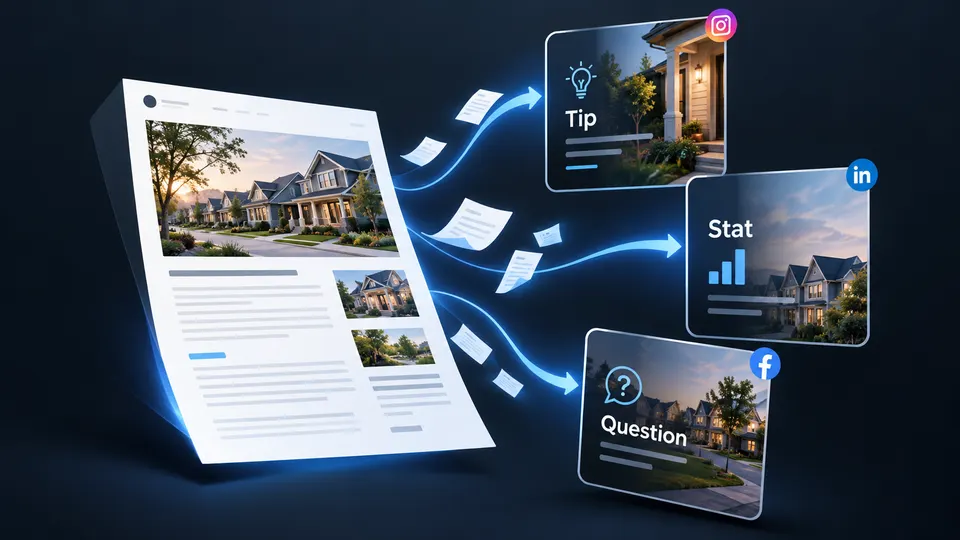
Turn a Blog Into Social Media Posts: a tip, a stat and a question
Turn a Blog Into Social Media Posts
Reuse the blogs you already wrote. Pull a tip, a number and a question from one article and share them as separate social posts.
10/21/26
Halo Digest
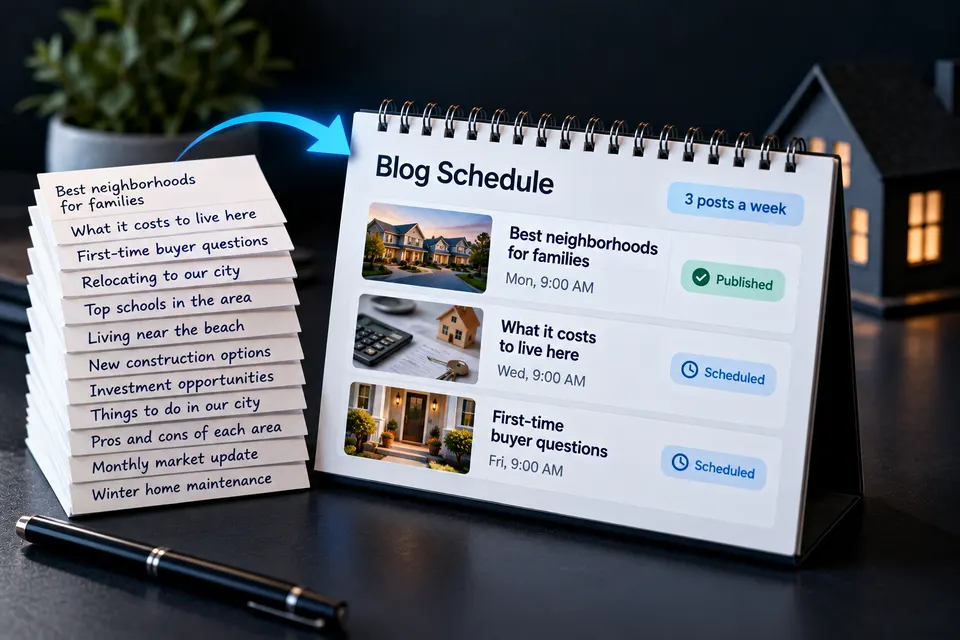
How to Schedule Real Estate Blogs Automatically: Blog Schedule, 3 posts a week
How to Schedule Real Estate Blogs Automatically
Keep your real estate blog posting every week. Give Halo your topics and a Smart Update, and it publishes without you writing each post.
10/20/26
Halo Digest
Write Blogs Around What Homebuyers Search For: Daily Views 2,000+
Write Blogs Around What Homebuyers Search For
See how real estate agents get found with blogs built around topics people search for, and how to start with one post.
10/20/26
Halo Digest