Key Takeaways
Table of Contents
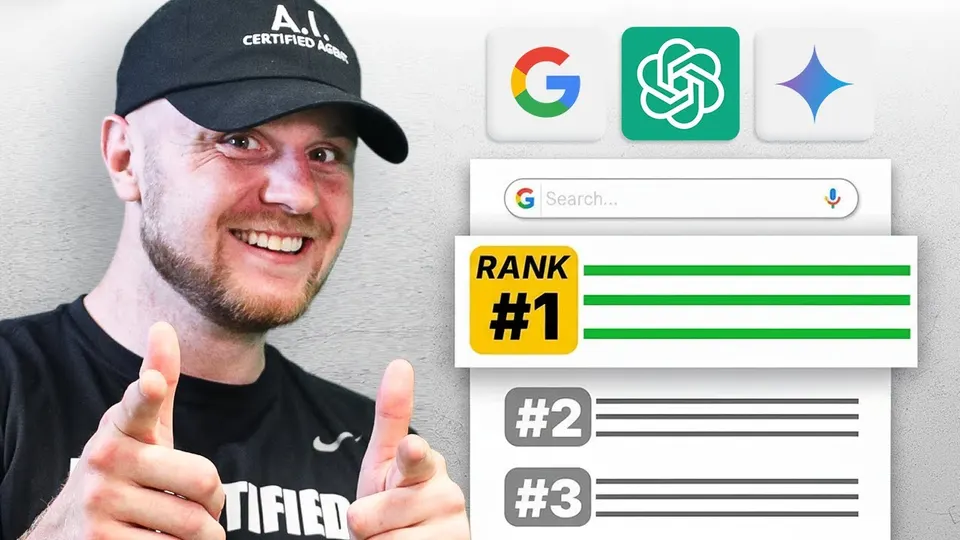
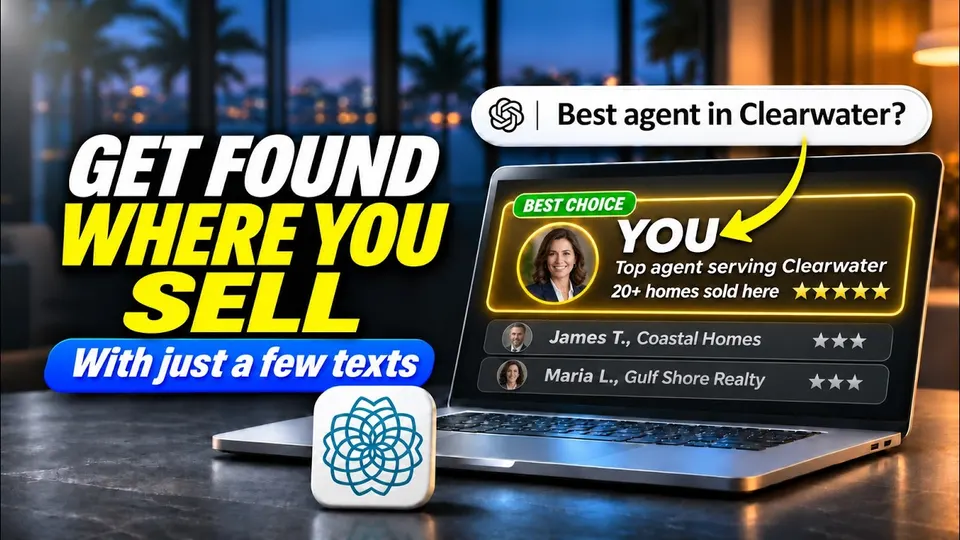
More home buyers and sellers are asking ChatGPT to recommend a real estate agent. When it answers, it names someone. The question is whether it knows enough about you to name you.
Now there is a direct way to tell it. ChatGPT lets businesses claim their own profile, much like a Google Business Profile.
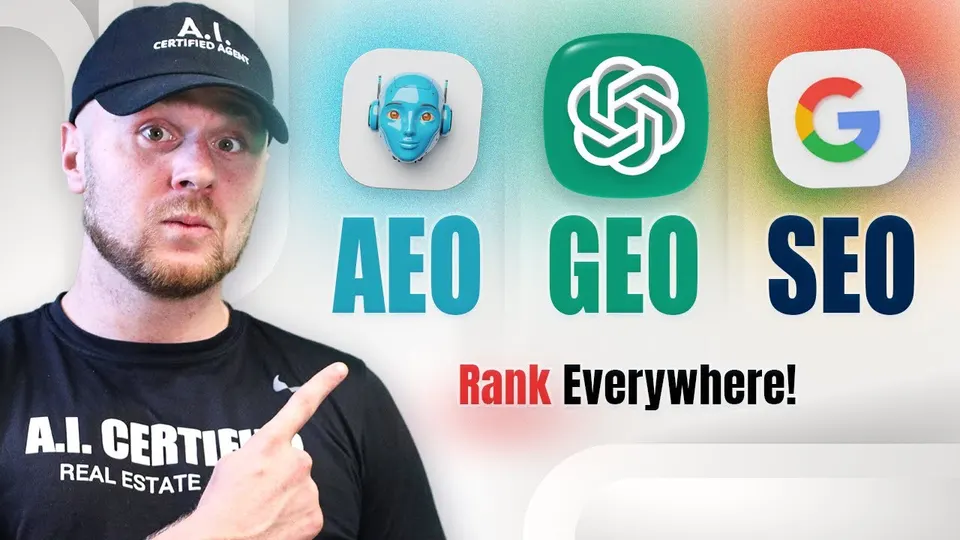
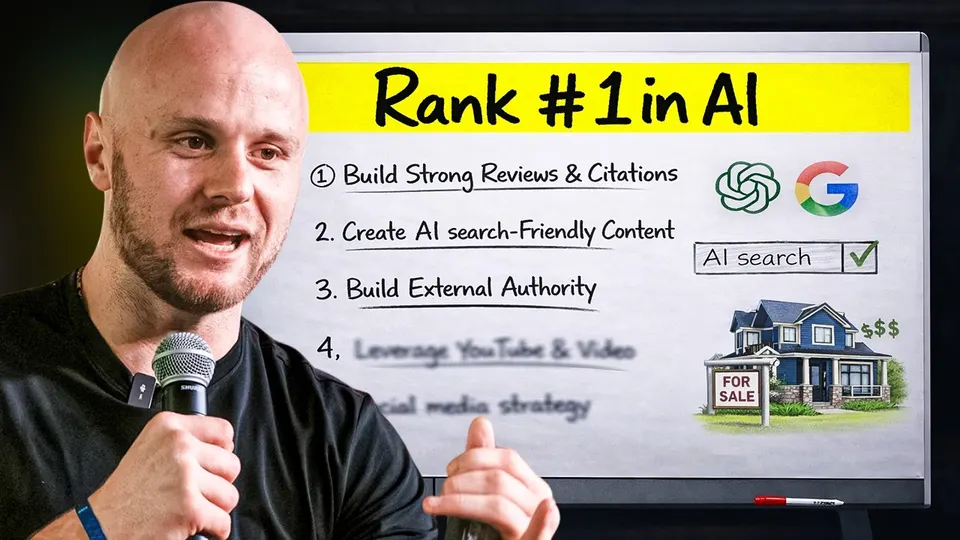
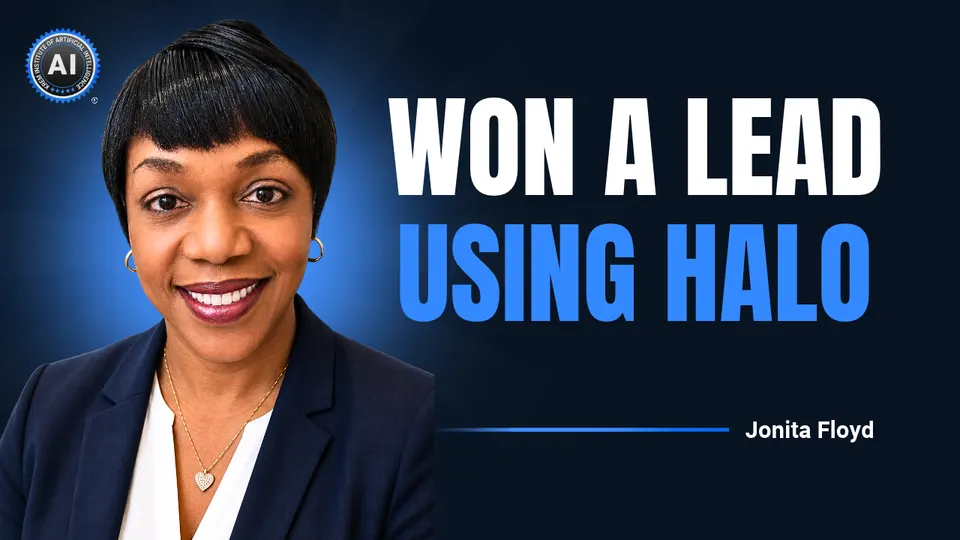
In a recent training, Nick Krem, CEO and co-founder of the Krem Institute of Artificial Intelligence, walked through two free ways to show up in A.I. search:
Here is how each one works.
It is a business profile inside ChatGPT. OpenAI calls it Businesses in ChatGPT, and it works like your Google Business Profile, but for ChatGPT.
When you claim your business, you get three things:
Put more simply: instead of hoping ChatGPT figures out who you are, you get to tell it yourself.
Claiming it takes about 30 seconds and costs nothing. One honest note first: it is not fully open yet. When you sign up today, you join a waitlist, and OpenAI emails you when you can finish setting up. Signing up now means you hear the moment it opens.
Pick physical location. This is the one question in the middle of setup that trips people up.
The screen asks how customers usually reach you: at a physical location or through a website. As a real estate agent, you meet clients in person and you show homes in person, so physical location is the answer Nick recommends.
Text Halo. It gets done.
A Smart Site. One Text Away.
Service Pages. One Text Away.
Area Pages. One Text Away.
A.I. Search. One Text Away.
Text Halo what you need, and it makes it while you get on with your day.
See how it worksYour website. Your profile may be on a waitlist, but ChatGPT is not waiting. People are asking it for agents today, and if it cannot find you, it names the agent down the street.
When someone asks, “Who’s the best real estate agent in my town?” ChatGPT goes and reads the internet. Your website is one of the places it looks.
Because most agent websites do not say much. Pull up a typical one and you will find a homepage, some listings, a headshot, and a contact form. Nothing on it tells ChatGPT who you help or where you work.
Here is the simple way to think about the two pieces:
| Piece | What it does |
|---|---|
| Your ChatGPT profile | What you tell ChatGPT about yourself |
| Your website | What ChatGPT finds when it goes looking |
You want both. That is two chances to show up in A.I. search, instead of one, or zero while you are still on the waitlist.
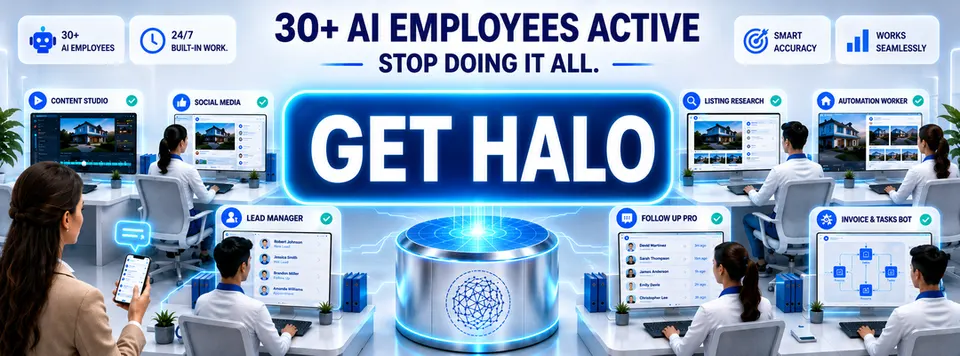
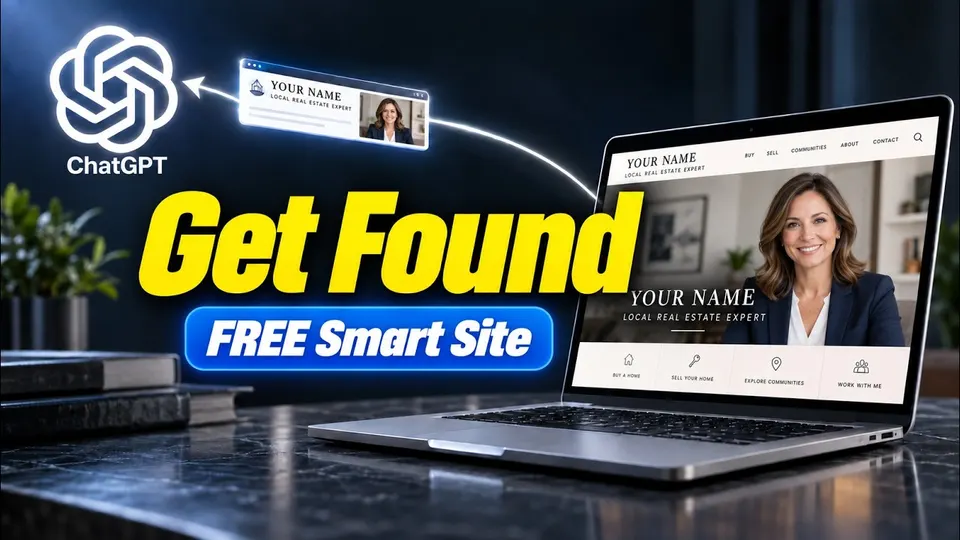
You text it. Halo gives you a team of 30+ A.I. employees that build your website for you. It is called a Smart Site, and it is not a template with your name dropped in. It is built around your actual business, your market, your neighborhoods, and the kind of clients you work with, and it is built so A.I. search tools like ChatGPT can understand it.
There is no dashboard, no login, and no developer. Setup takes about two minutes from your phone:
 On a computer? Point your phone’s camera at the code and send the text it opens.
Already on your phone? Text NICK to 415-726-3224.
The site is yours to keep, and it stays live for free. Free Guide 1 walks through the whole build, start to finish.
Use them on the two kinds of pages that answer ChatGPT’s biggest questions about you:
The free Halo Starter Guides have a short video for each one: Free Guide 2 covers service pages, and Free Guide 3 covers area pages.
Showing up in A.I. search comes down to two moves, and both are free.
Today, claim your business in ChatGPT and get on the waitlist. That is what you tell ChatGPT. Then get your free Smart Site and add your service pages and area pages. That is what ChatGPT finds when it goes looking.
Two chances to show up in A.I. search, instead of none.
Halo Live · Every Tuesday, 12 PM ET
Every Tuesday, Nick Krem turns one agent's win with Halo into a live case study on Zoom. Claiming your ChatGPT profile is step one, and on Tuesday you'll see the website behind an agent ChatGPT already recommends.
You'll get the playbook, and see how to do the same in your market.
 Free, hosted by Nick Krem
FAQs
Go to OpenAI’s Businesses in ChatGPT page, hit claim your business, and type your business name. If it doesn’t come up, click create, hit get started, choose how customers reach you, and join the waitlist. It takes about 30 seconds, and OpenAI emails you when you can finish setting up.
It’s a business profile inside ChatGPT, like your Google Business Profile, but for ChatGPT. Claiming it lets you see how often ChatGPT mentions your business, keep your info up to date for people who ask, and eventually have a business agent answer questions using information you control.
The setup asks how customers usually reach you. For a real estate agent, physical location is the pick in this video: you meet clients in person and show homes in person.
When someone asks for the best agent in their town, ChatGPT reads the internet, and your website is one of the places it looks. A site with only a homepage, listings, and a contact form tells it nothing. Service pages tell A.I. who you help, area pages tell it where you work.
Text the word NICK to 415-726-3224 or scan the QR code. Tell Halo what you do and where you work, pick a design, and tap generate. The total is zero dollars, your Smart Site stays live for free, and it comes with five free updates.